.png)
Why QA and accessibility matter
Your end-users know this well. They can have the best copy and visuals, or the greatest value proposition, but none of that matters if the email takes a minute to load. What about forgetting alt text? They’re making life difficult for those who use screen readers. And let alone the button that shipped without a link. Everyone has sent one, and nobody wants to explain it in the campaign recap.
Regulatory requirements such as the European Accessibility Act made accessibility a compliance question. Clipped emails, slow-loading images, and dead links have always been a performance question. However, for many professionals, all this feels like a challenge. 27% of those we surveyed say that rendering and compatibility (including accessibility) are the most complex part of their email workflow, while 17% feel the same for QA, testing, compliance, and validation. Also, this gets worse when it’s manual: almost one out of five say that “accessibility checks are done manually on some emails but inconsistently”.
Quality Check is the out-of-the-box solution for QA
We are marketers ourselves – well, the author of this blog is– so we know the pain firsthand. That’s why we want to give your end users an easy way to make sure their content is up to the highest quality standards.
With Quality Check, your users are one click away from checking what works and what doesn’t in their email or page design.
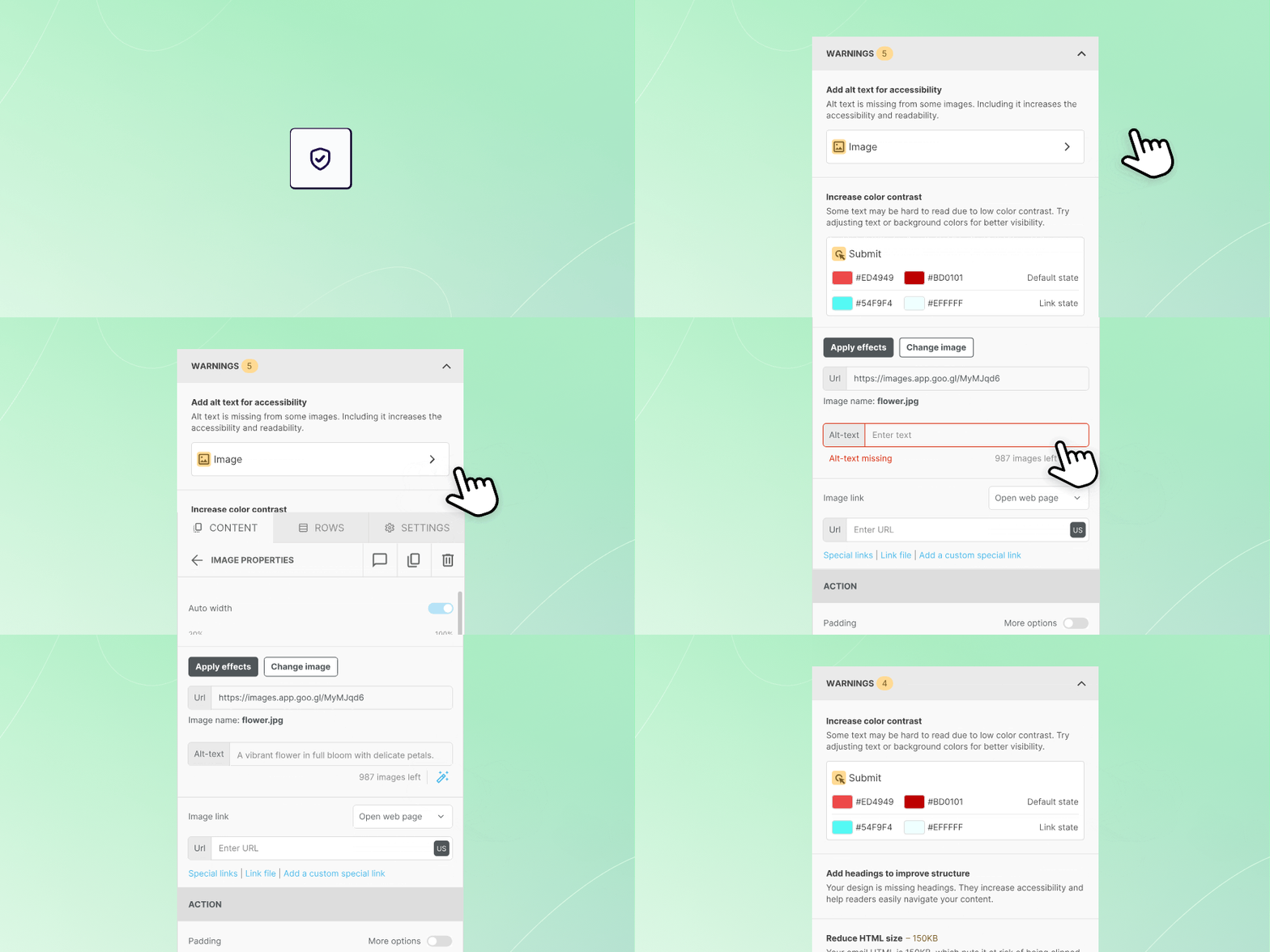
By clicking on the new shield icon in the content editor of your Beefree SDK-powered application, they can:
- Catch accessibility issues like missing alt text, low color contrast, or missing headings
- Spot missing links on buttons, images, and social icons before sending
- Avoid oversized images and bloated HTML that break layouts or get emails clipped in Gmail
- Jump straight from a flagged issue to the exact element that needs fixing
Do you want to see Quality Check in action? Check out our Playground.
Why it’s worth it for your users
As a complete, ready-made checker tool, Quality Check saves your users precious QA time which is better spent on strategy and execution. Moreover, it ensures the deliverability and accessibility of their marketing motions, ultimately driving campaign performance. And it all happens within the builder, without having to jump back and forth between different tabs and tools.
No dev work required - already available in your paid plan
Since some of us (well, most of us at Beefree) work in product and engineering, we also know that building a custom checker is a cumbersome task. Design, development, testing and maintenance often leave the project frozen on your Jira board rather than thriving in your “Features” page.
That’s why we set out to remove all the engineering hassle between you, Quality Check, and your end-users. You just need to log in to your Developer Console and turn on the dedicated toggle. That’s it – your users will find it in the stage the next time they open the editor.
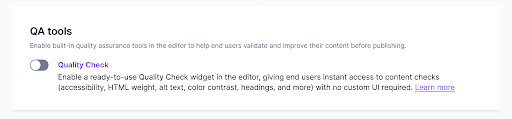
Quality Check ships at no extra cost in your Beefree SDK paid plan. If you are on Superpowers or Enterprise tiers, you can also select which checks are shown to your users and customize the thresholds – more info in our docs.
If you are on a Free plan, or just browsing for your next content builder, drop us a message and we’ll be happy to provide you with a free, no-commitment test environment.
Have you already started offering Quality Check to your users? Tell us which checks you’d add next. Send us your feedback here or reach out to your CSM!

.png)
.png)

.png)