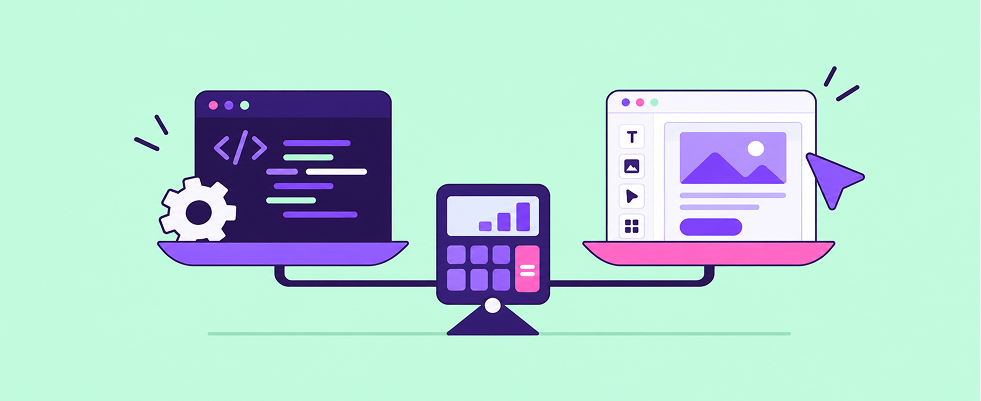
Should you build or buy your email builder?
If you’re looking to add email editing to your product, you have two options: build the editor in-house or embed a paid solution. With Claude (or your team’s favorite AI tool) making it faster than ever to ship software, more teams are taking a serious look at building instead of buying by default. But getting an editor up and running is only the start. Once customers rely on it, you also have to maintain it, fix it, and keep adding the features they ask for.
As is so often the case, there’s no universal answer to the “Should I build or should I buy?” question. What path makes more sense depends on what you and your customers need, the vision you have for your product, and how your team is set up.
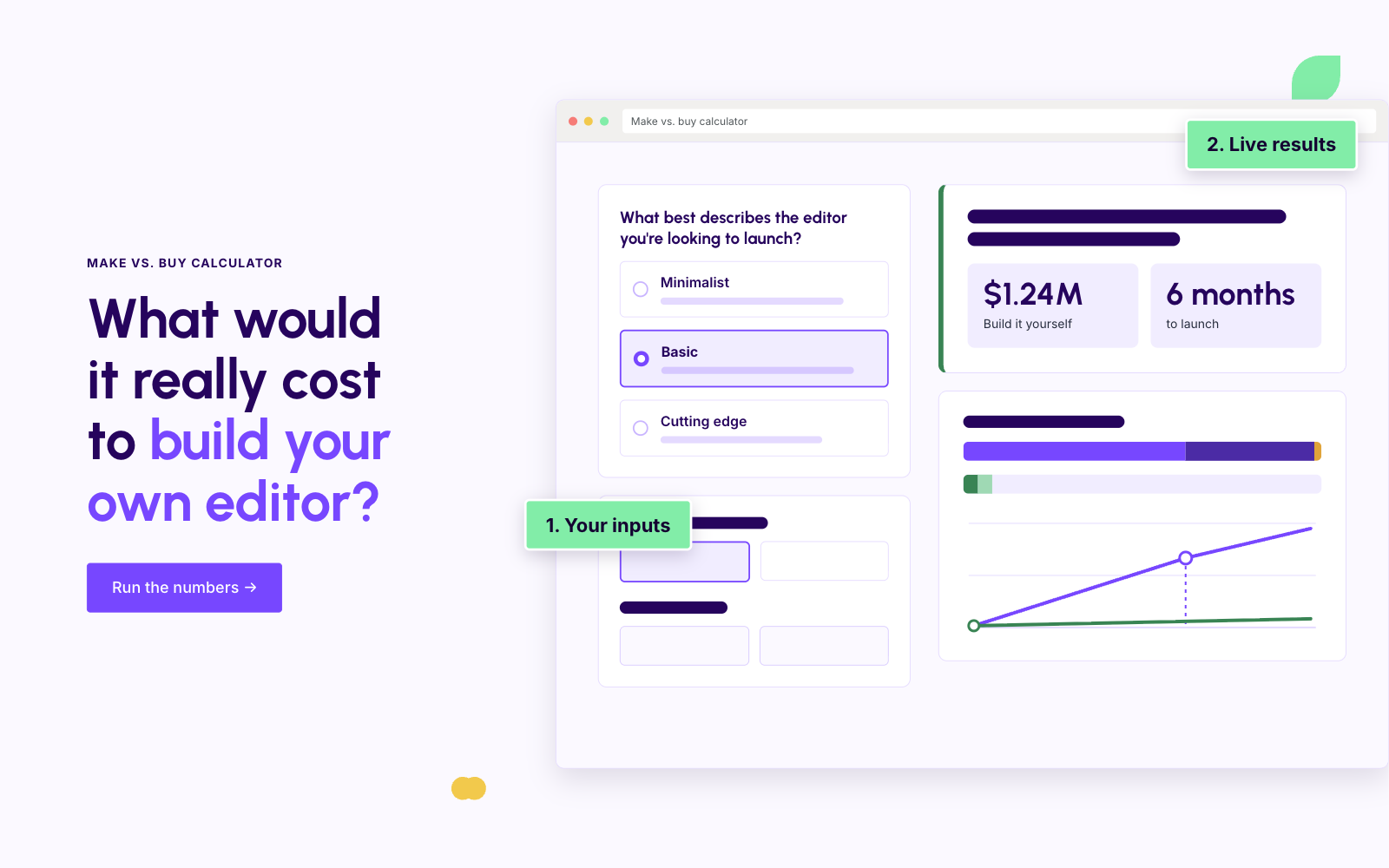
Below, we break down the factors to consider, and our Build or Buy Calculator helps you do the math with your own numbers.
The five factors to consider
1. What type of email editor do you need?
An ‘email editor’ can mean very different things. A minimal editor with simple text and image editing capabilities can be fairly easy for your team (and AI) to wrangle. A full-fledged editor that offers advanced design capabilities or supports sophisticated use cases like dynamic content, user collaboration, or saving and reusing content is a different undertaking, because each of those features adds its own design, build, and maintenance work. The same goes if you want AI agents to operate the editor alongside your users.
The key is to be honest about where your requirements will land, not just where they start. If a minimal editor truly covers what your users need, building can make sense. If you expect them to ask for more advanced features soon, you’ll want to factor in the cost of building and maintaining those too, which is where buying often starts to look more attractive.
2. Who is it for?
Are you building an internal tool for your colleagues, or embedding the editor in a customer-facing product you sell? Internal tools tend to be less effort. The bar for reliability and support is usually lower, and because your users are close by, troubleshooting is easier. They might even forgive an editor that’s a little rough around the edges or needs a few workarounds.
Building for an external audience is a different ballgame. A clunky experience reflects on your whole product, so you’ll want something more polished and reliable, and that takes more effort.
On top of that, if you have high expectations around scalability, availability, security, accessibility, and compliance, the effort goes up, whichever audience you’re building for.
3. Are you starting from scratch or from open source?
Starting with an open-source framework can save time on the initial build, since much of the groundwork is already done. That’s why our calculator applies a discount to the build effort when you work with open source. But be aware that you also inherit the open-source framework’s limitations and take on its maintenance: adapting it to your needs, keeping up with upstream changes, and filling the gaps it doesn’t cover.
4. What does your team look like?
How many people can you put on the build, do they have the right experience, and what do they cost you?
AI can make your team more productive, but developer resources are still what determines how quickly you can build and maintain an editor, so make sure you staff for both. Keep in mind that every developer working on the editor is one fewer working on your core product, a trade-off that’s easier to justify if email editing is central to what you sell.
Our calculator factors in your team size, their average salary, and how much more productive AI makes them.
5. What’s important to you after you launch?
Launching the editor is where most build estimates start and end, but it’s where ownership costs begin, and those can be significant. Maintaining an email editor is harder than most people think, so don’t forget to factor in ongoing maintenance when you make a build-or-buy decision.
In particular, how important is if for your team to:
- Keep emails looking great in every inbox? Email clients change constantly, and designs that rendered perfectly last month can break in Outlook tomorrow. Keeping up takes specialized knowledge, and it’s an area where AI tools still struggle.
- Keep the editor secure and up to date? Security vulnerabilities, framework and dependency upgrades, and browser changes all need attention, whether or not they line up with your roadmap.
- Fix bugs quickly? When customers run into problems, they expect fast responses, which means someone on your team needs to be ready to investigate and ship fixes.
- Keep improving the editor? Customer needs and industry standards shift over time, and an editor that stands still will start to feel outdated.
If most of these matter to you, they add up to a permanent commitment rather than a one-time project, often requiring dedicated people for as long as the editor exists.
Run your own numbers with the Build or Buy Calculator
The Build or Buy Calculator turns the questions above into dollar figures, so you can compare the cost of building your own editor with embedding Beefree SDK. Plug in your values, adjust any underlying assumptions, and use the results as a guideline for your build-or-buy decision.
Calculate the costs of building your own email editor →
If you’d like to learn more about Beefree SDK or chat about the pros and cons of building your own editor, we’d love to talk. Book a free call with one of our experts.
Or, get started for free.
ISO 27001 certified · SOC 2 Type II compliant · 99.5% uptime SLA · VPAT available · Trust Center →

.png)
.png)

.png)
